
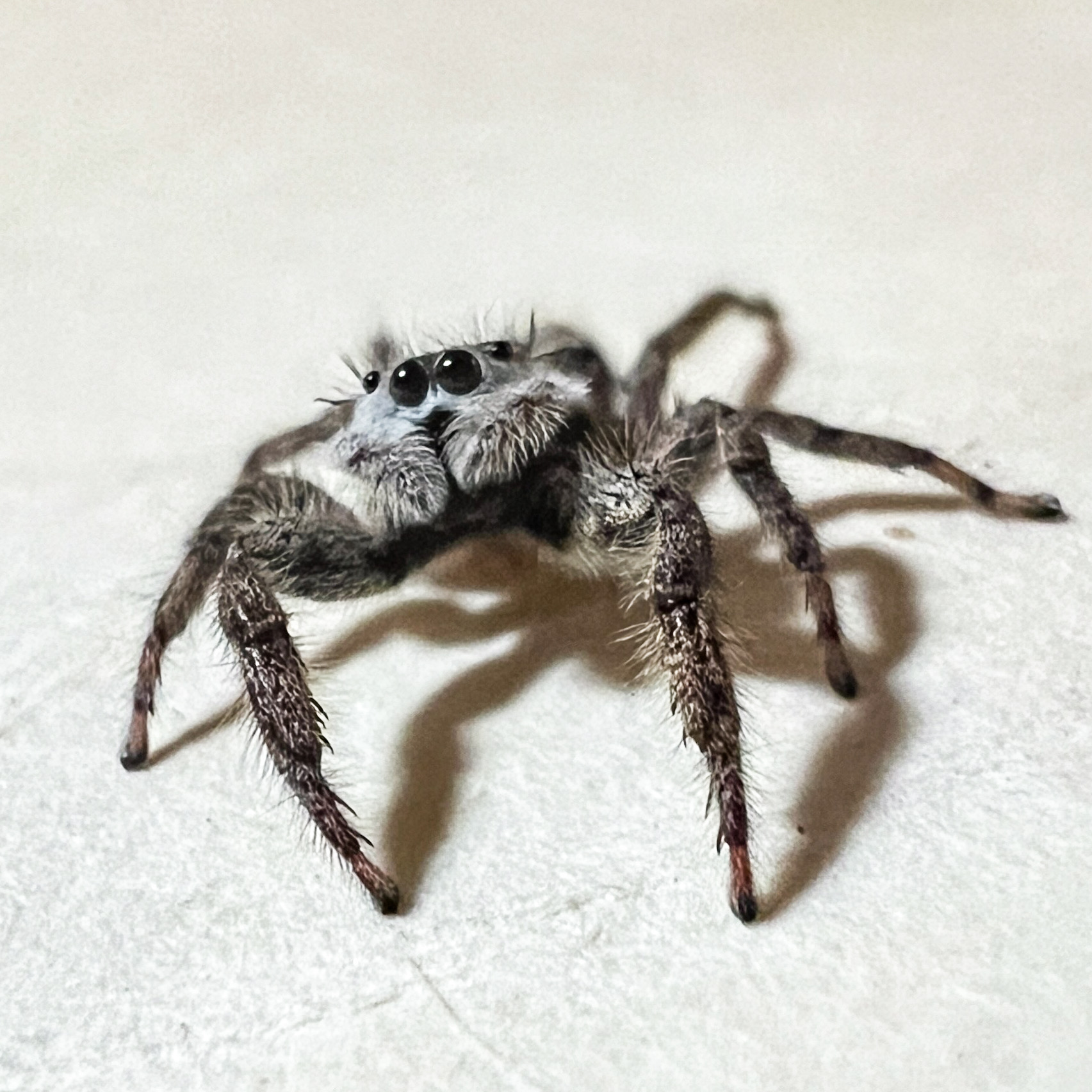
Have you ever seen a tiny spider staring at you with a WTF face and thought, “Why is that little thing doing that?” Or maybe you’ve looked at a dandelion and realized it’s actually pretty cool when you stop and look at all the details. That’s where Macro Mode comes in.
Starting with newer iPhones (from 13 pro) Macro Mode lets you get ridiculously close to your subject and capture details you normally wouldn’t notice. It’s one of those features that a lot of people don’t even realize they’re using because the iPhone does most of the work for you.
This post may contain affiliate links. If you use these links to purchase something I may earn a small commission at no cost to you. You can read my full disclaimer here.
How to Use Macro Mode
- Open your Camera app
- Make sure you’re in Photo or Video mode.
- Move your iPhone very close to your subject.
- Your camera will automatically switch to the Ultra Wide camera to enable Macro Mode.
- Tap the Shutter button for a photo or the Record button for video.
That’s it. No complicated settings or secret photography degree required. You can also use the .5 lens to help capture those close-up details.
What Should You Photograph?
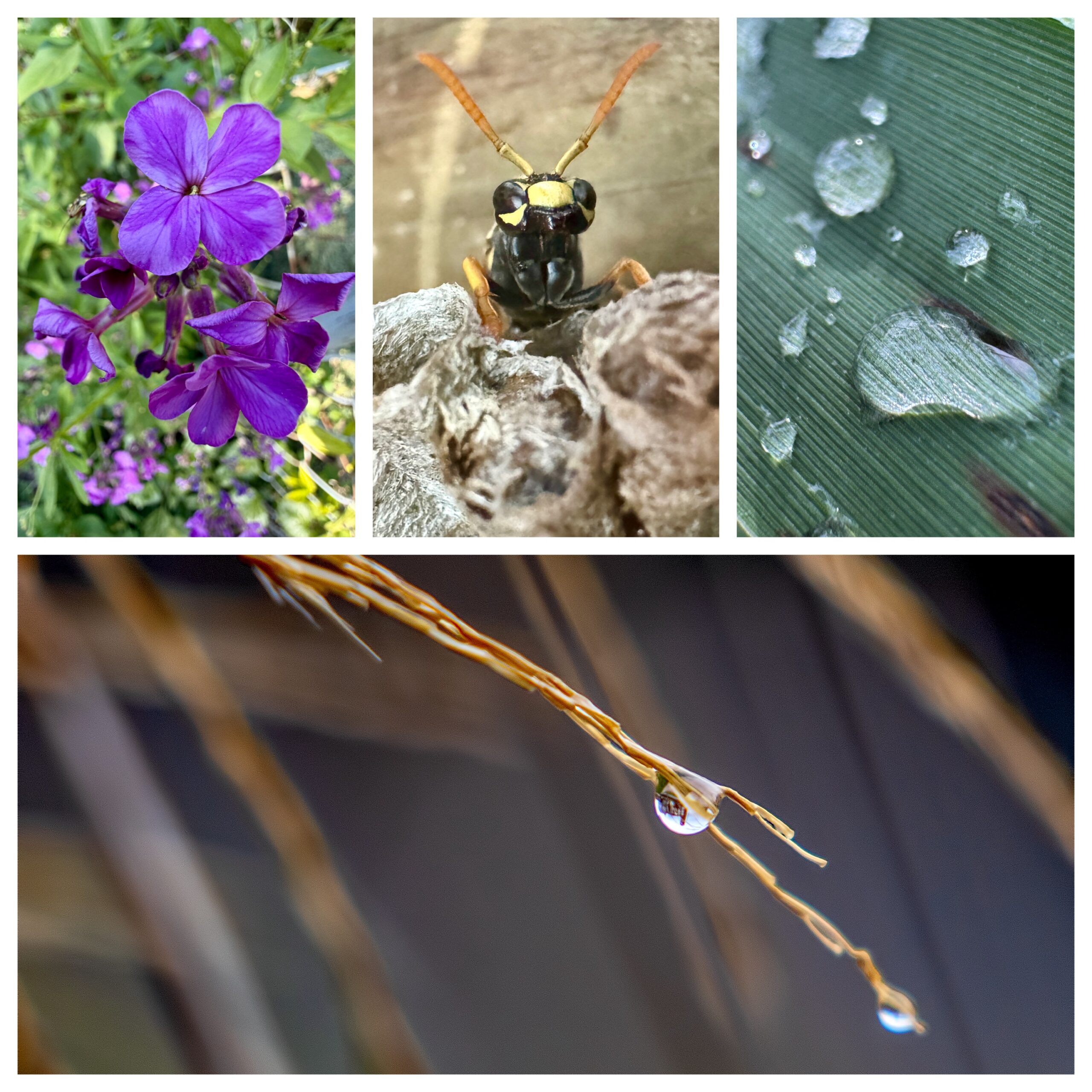
Honestly? Just about anything tiny. Some of my favorite Macro Mode subjects include: Spiders and other insects, Dandelions, Flowers, Rain drops on leaves, Water droplets on tree branches, Interesting textures, tiny details in nature that most people walk right past. It’s amazing how different the world looks when you get down low and start paying attention to the little things.
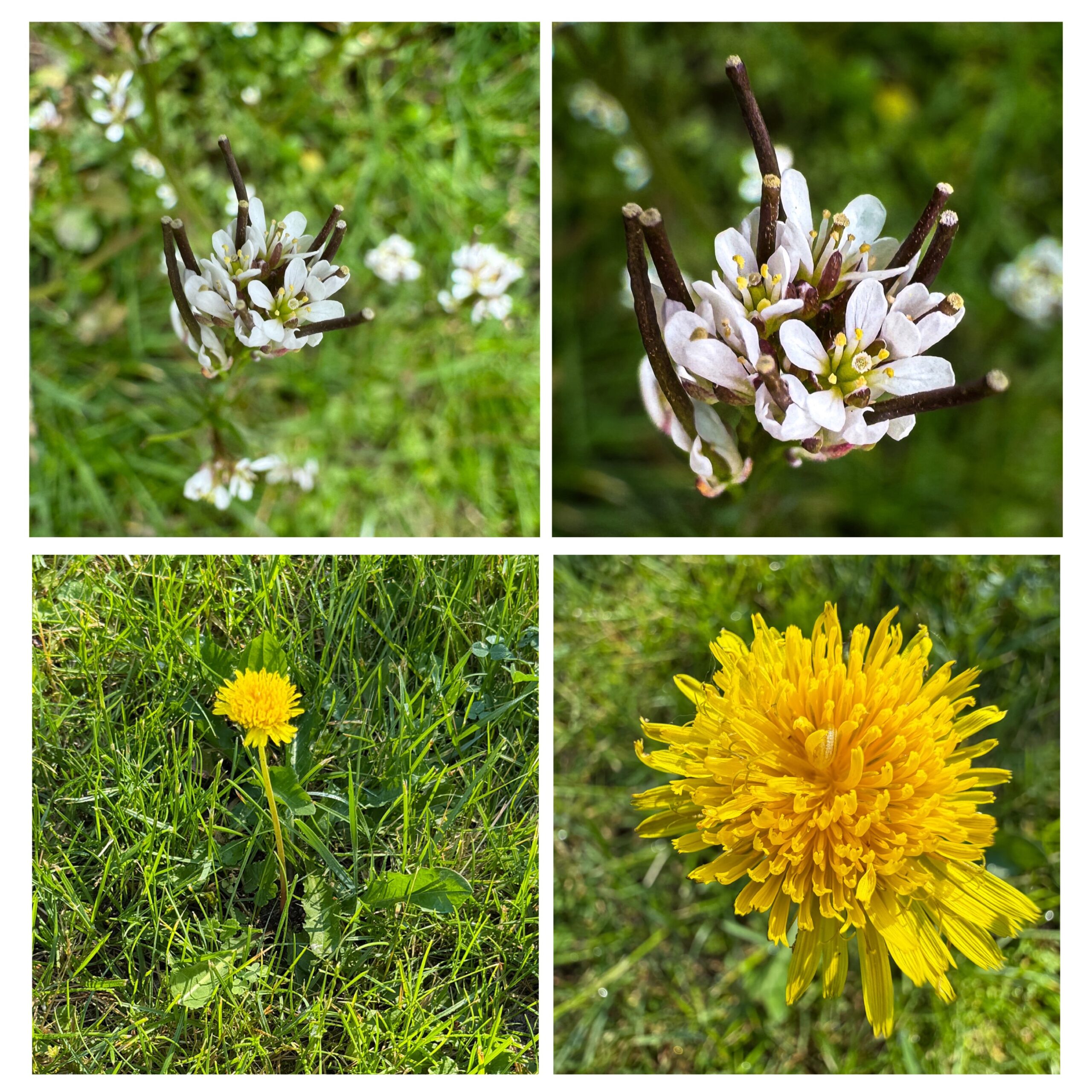
My Advice?
Don’t be afraid to look a little weird. Yes, people may wonder why you’re crouched down in a parking lot photographing a dandelion. They may question why you’re practically laying in the grass trying to photograph an ant.
Ignore them. They’re missing out on some really cool photos.
My favorite images have come from slowing down, getting close, and seeing details that most people never notice.
Your Challenge…
The next time you’re outside, find three small things to photograph using Macro Mode. Maybe it’s an insect , or it’s a flower. Maybe it’s a rain drop hanging onto a leaf for dear life. Get close, experiment, and see what catches your eye. Because you might be surprised at the tiny world you’ve been walking past all along.
———————-
I am a spirited Country/Hillbilly/Ghetto/City girl blogger from Chelsea, MI who thrives on adventure, creativity and exploring the world through the lens of my camera (even if it’s my phone). When I’m not chasing sunsets and amazing views, I spend time with my heart dog Maizie. If travel, creativity and a dash of blunt honesty (with the occasional F-bomb) sparks your curiosity, you are in the right place. ~ Stressie Flavis