
How do you experiment with Panoramas? As I’m trying to get back into creative photography, I am having a hard time moving forward. My brain has a hard time coming up with ideas of what to do and I end up watching true crime instead. But…now that we have nicer weather (and I need more exercise) I am hoping to spend at least a few hours a week on photography fun.
This time? I chose to go to Hudson Mills MetroPark and roll with what ever came up in my brain. One of those ideas was Panoramas.
This post may contain affiliate links. If you use these links to purchase something I may earn a small commission at no cost to you. You can read my full disclaimer here.
What is a Panoramic Shot and How do you take it?
A Panoramic shot is a wide view of your subject. Can be anything from landscape, to a wide city view, to the inside of a building (or more!). How to you do it?
- Open your IPhone camera, and at the bottom click the PANO setting.
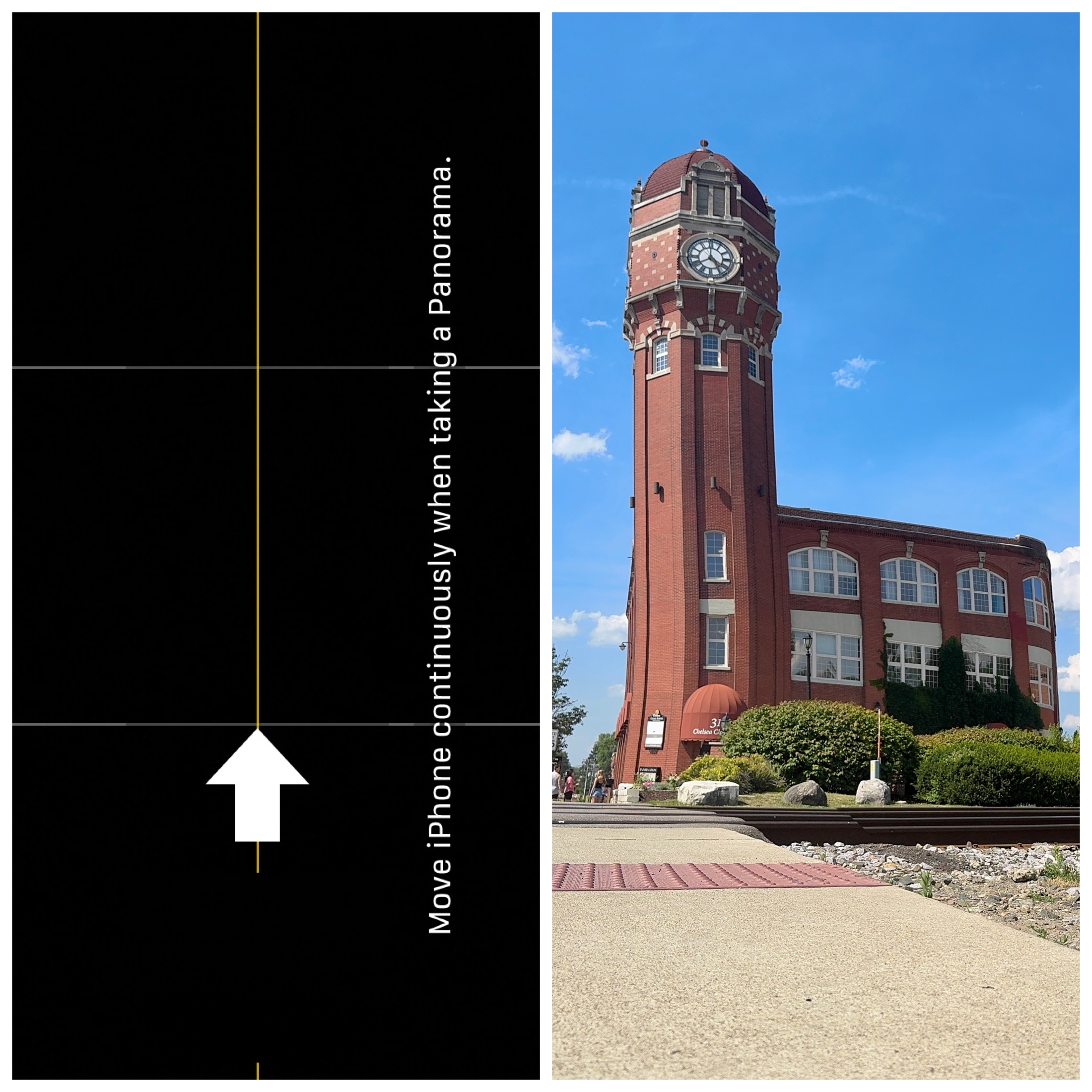
- You will see what is in front of your camera (the beginning of your shot) with an Arrow pointing toward the direction you need to move your camera as you are taking the shot.
- Keep your phone steady, and click the shutter button to start the Pano.
- Then move the phone in the direction of the arrow (be sure to keep the arrow aligned with the yellow line) until you have the whole scene that you want.
- Then click the shutter button again to complete.
I’m not gonna lie – I often fail at keeping the arrow in line. This can jack up the picture so when it happens I just try again until I get what I want. Practice makes perfect right?
COMMON THINGS TO USE PANO MODE FOR
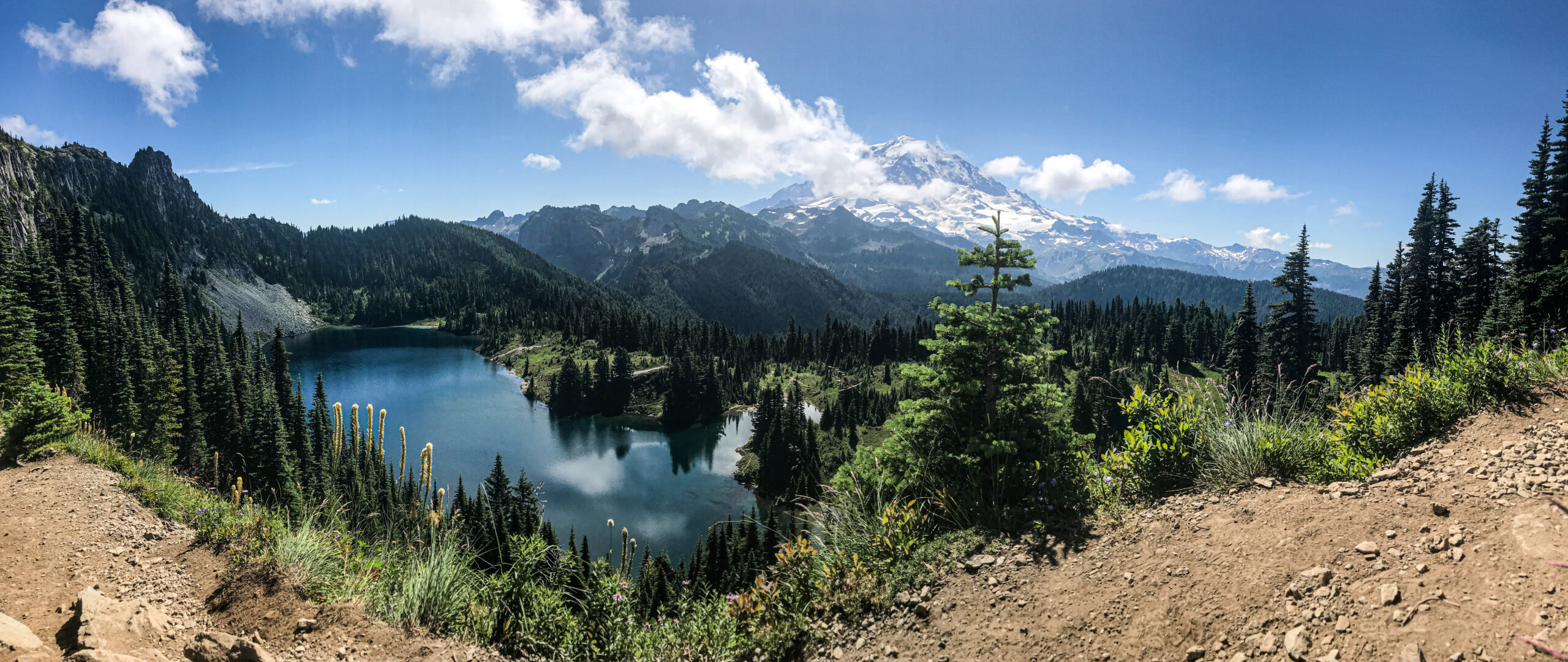
Landscape Photography – If your widest lens on your phone won’t work to capture the entire scene, pano mode is the to go to. Anything from Mountains to Beaches to Cities!
City Scapes or skylines – can be used while walking on the street, or from a a tower observation deck. The Duquesne Incline in Pittsburgh PA was a perfect opportunity for this.

Panorama mode can also be used vertically. To do this, make sure your phone is horizontal, and then choose whether you want to move the pano up or down (make sure the arrow is pointed in the right direction). Then click the shutter button and move your phone in the direction of the arrow.
EVEN WITH MY FAILURES I LOVE PANOS
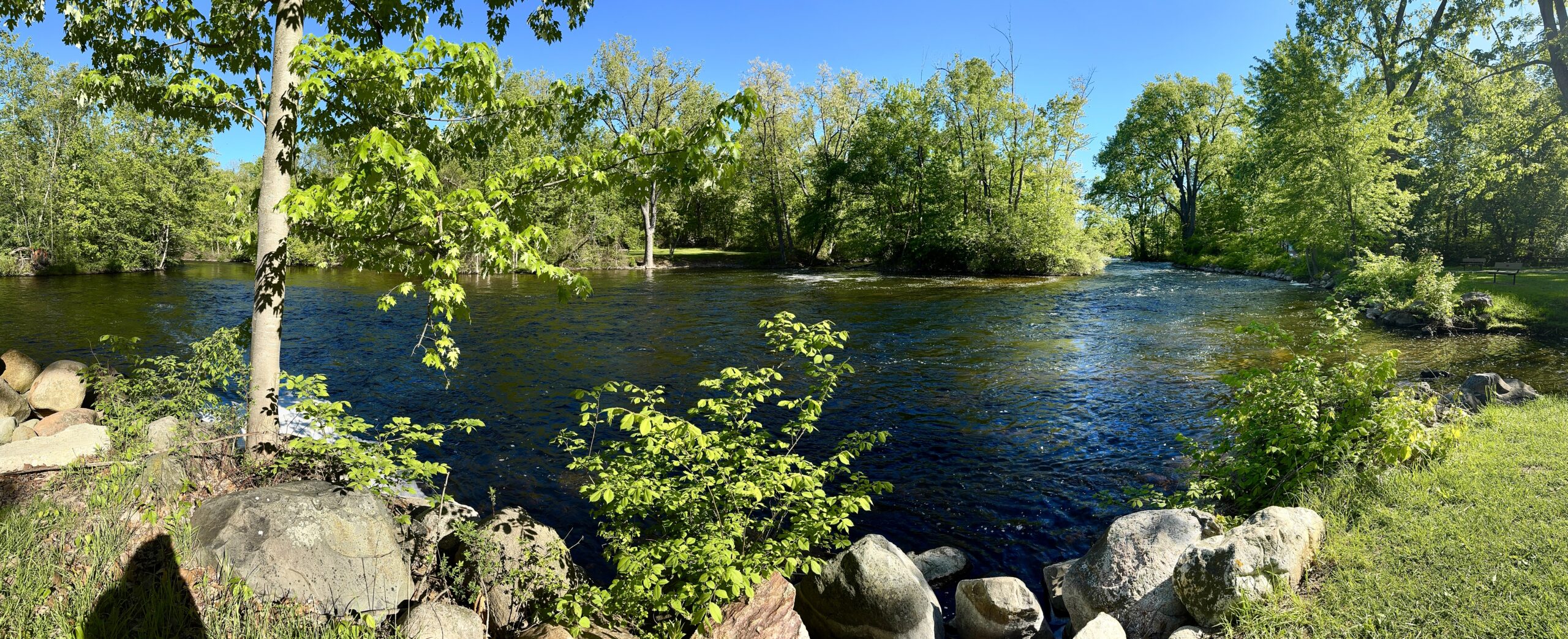
The panoramas I took at Hudson Mills may look like a drunk raccoon took them mid chaos, but I’m proud of my progress and will continue to practice.
Do you like taking panoramas? If so what is your favorite one you have taken? (Perfect or not!)
———————-
I am a spirited Country/Hillbilly/Ghetto/City girl blogger from Chelsea, MI who thrives on adventure, creativity and exploring the world through the lens of my camera (even if it’s my phone). When I’m not chasing sunsets and amazing views, I spend time with my heart dog Maizie. If travel, creativity and a dash of blunt honesty (with the occasional F-bomb) sparks your curiosity, you are in the right place. ~ Stressie Flavis